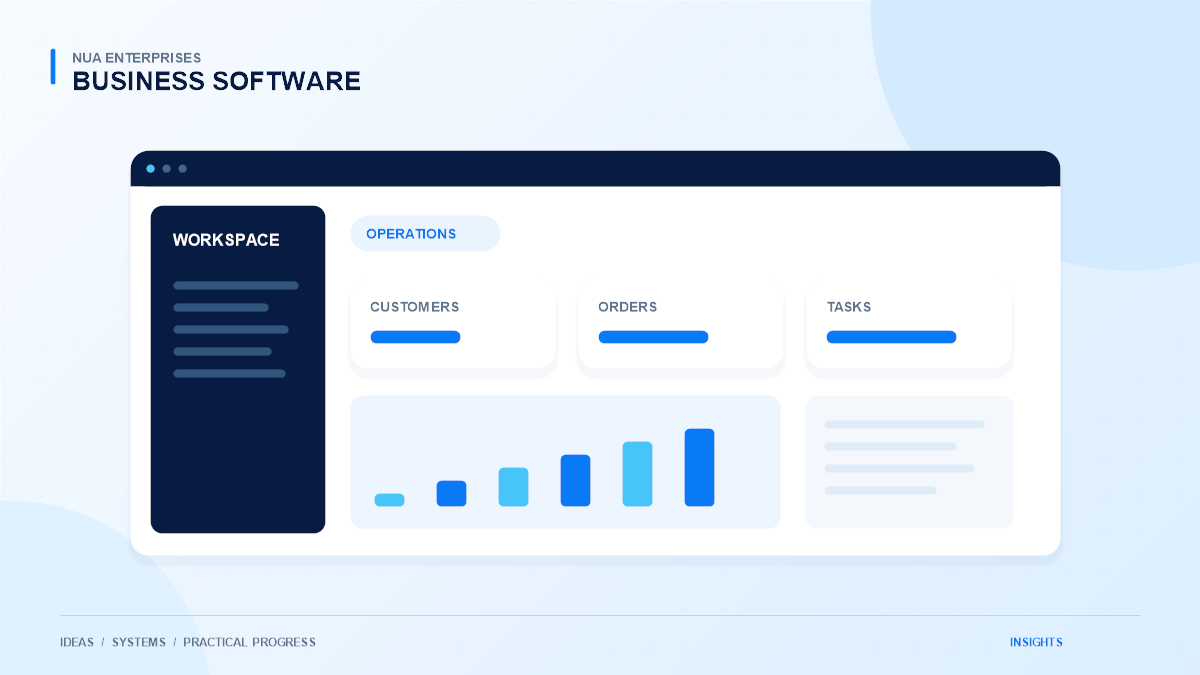
Businesses depend on accurate financial information, yet many everyday processes still involve repeated data entry, email approvals, and manual matching of records. Digital banking interfaces and financial workflow automation can make those processes easier to coordinate. The useful objective is reliable information and clear accountability, rather than simply making every action happen faster.
This article discusses operational technology planning. It does not recommend financial products or replace professional accounting, legal, or regulatory review. Requirements depend on the organization, jurisdiction, and providers involved. A suitable implementation should be assessed by the people responsible for those obligations before it handles real transactions.
Separate the workflow into clear stages
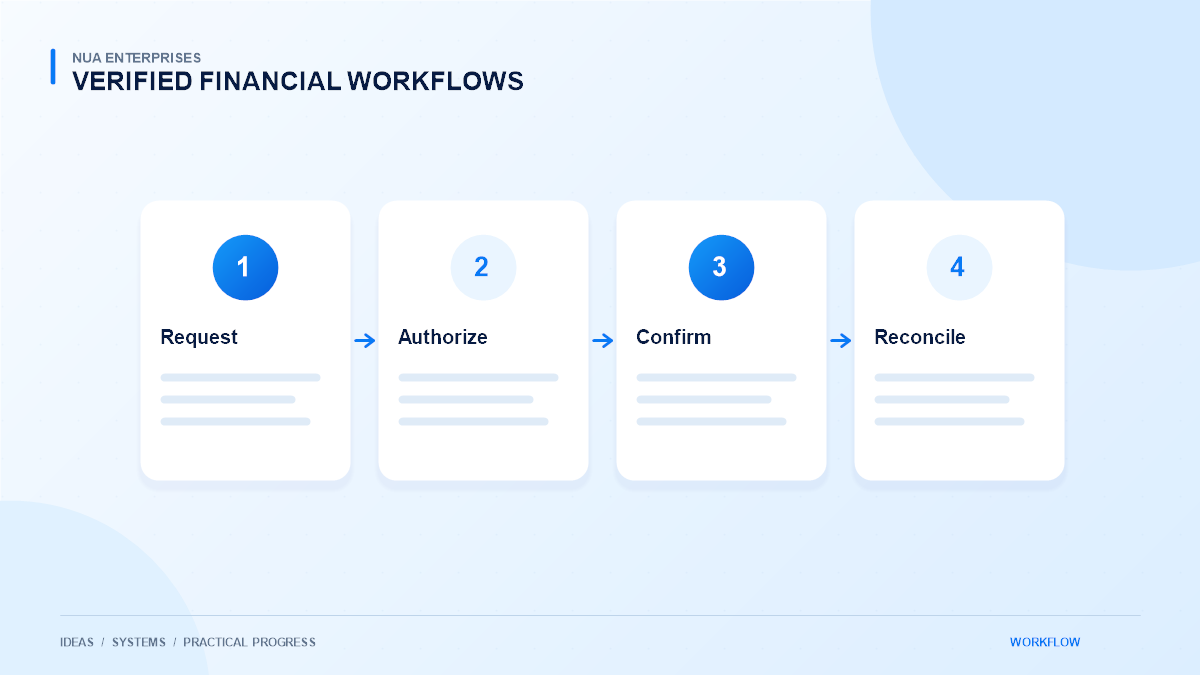
A payment request, an approval, a provider confirmation, and an accounting entry are different events. Treating them as the same status can create confusion. A request may be approved internally while still awaiting processing, or a provider may confirm settlement after the original submission.
Document the meaning of each stage and identify its authoritative source. Staff should know whether a screen shows an intention, a submitted instruction, or a confirmed result. This clarity is the foundation for useful reporting and helps prevent a convenient interface from implying that an unconfirmed transaction is complete.
Identify repetitive work worth improving
Start with a limited operational issue, such as collecting approved payment requests, matching transaction references, or preparing a reconciliation exception list. Record the inputs, checks, and people involved. Understand the current process before deciding which parts can be automated.
For example, a team may spend time matching provider transaction references to internal orders. A controlled integration can help bring those references together, while leaving unresolved items visible for review. This is a more practical starting point than attempting to replace an entire financial operation in one release.
Improve the quality of underlying records
Automation depends on consistent identifiers and well-defined fields. Customer references, invoice numbers, transaction IDs, currencies, and dates need clear handling. Avoid using a display label as the only connection between systems when a stable identifier is available.
Agree on which system owns each record and how corrections are made. Keep original references when information moves between applications. If a value is changed, the responsible team should understand why and be able to trace the change. Better records also make manual review easier when an integration is temporarily unavailable.
Preserve authorization and separation of duties
A user who prepares a request should not automatically gain permission to approve every request. Define roles around actual responsibilities and review access when staff duties change. Important checks need server-side enforcement rather than relying only on hidden interface buttons.
Automation should carry an approved instruction through a defined process, not silently remove required oversight. Where an action needs a second review, include that review explicitly. Record who approved the action and when. The exact control model should be agreed with the organization’s finance, security, and compliance owners.
Design integrations for reliable confirmation
Provider responses can be delayed, duplicated, or interrupted. Keep submitted instructions separate from verified outcomes and use stable transaction references to connect them. A repeated notification should not cause a second fulfillment or duplicate accounting entry.
Use the provider’s documented verification process and validate important details on the server. Where signed notifications are supported, verify them before trusting their contents. Do not treat a browser success screen as the sole evidence of payment. Make uncertain outcomes visible so staff can investigate without issuing another instruction blindly.
Make reconciliation a routine control
Reconciliation compares information from relevant systems and identifies differences. A useful automated process can gather records, propose matches, and group exceptions. It should also explain the basis of a match so reviewers can assess it.
Keep unresolved or ambiguous items out of automatic completion. Different currencies, partial amounts, refunds, fees, or timing differences may require separate treatment. Agree on how those cases are reviewed and documented. Automation can organize the work, but it should not hide a discrepancy simply to make a dashboard appear complete.
Protect sensitive data and credentials
Collect and retain only information needed for the workflow. Restrict access appropriately and keep private API credentials out of frontend code, public logs, and shared documents. Use supported secure connections and review the handling of backups and exported reports.
Limit payment data exposure
Do not introduce storage of payment card data into a general business application without an appropriately assessed requirement and compliant design. Where a specialist provider handles sensitive payment information, preserve that boundary. Operational convenience is not a sufficient reason to broaden access to information the team does not need.
Plan testing, recovery, and change management
Use the provider’s approved test environment and synthetic records before production. Verify failed requests, delayed confirmations, retries, refunds, and users without permission. Document how staff should respond when a provider or integration is unavailable.
Keep a recovery procedure that avoids duplicate transactions. Review configuration changes and separate testing credentials from production credentials. The rollout should include staff training and named owners for technical support and business decisions. A reliable process remains understandable when the person who built it is not available.
Choose a controlled improvement path
Measure reduced re-entry, clearer exception handling, and better access to verified information. Avoid unsupported promises about guaranteed savings or universal compliance. Expand the workflow only after the team has confirmed that the first stage behaves correctly in ordinary and exceptional conditions.
Discuss banking and financial technology workflows with NUA Enterprises if your organization needs help documenting an integration or operational process. Start with a defined use case and involve your qualified finance and compliance stakeholders. That creates a practical foundation for improvement while keeping authorization and accountability intact.